
8.1
Know each client
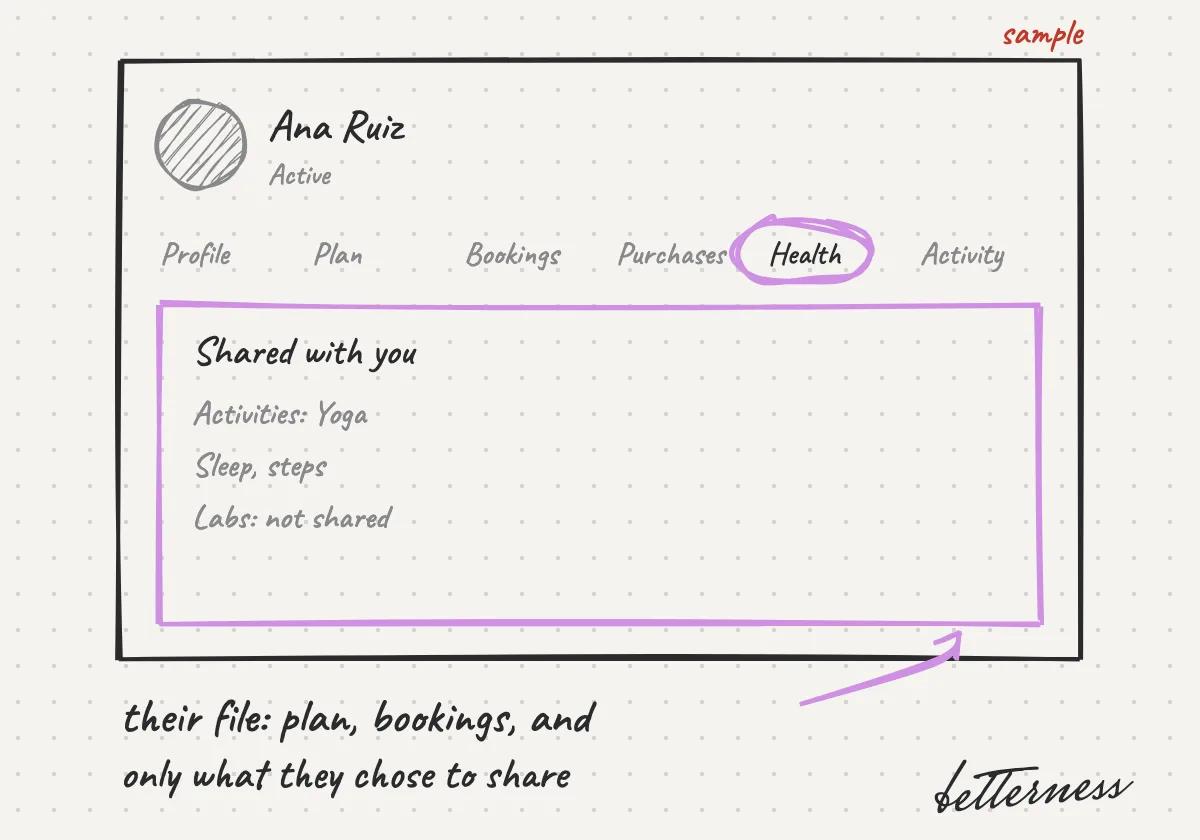
Each client file, with what they chose to share.
Updated Nov 11, 2026
Why we built it. Each client's file brings together what they chose to share, so you serve a person, not a row in a list.
Steps
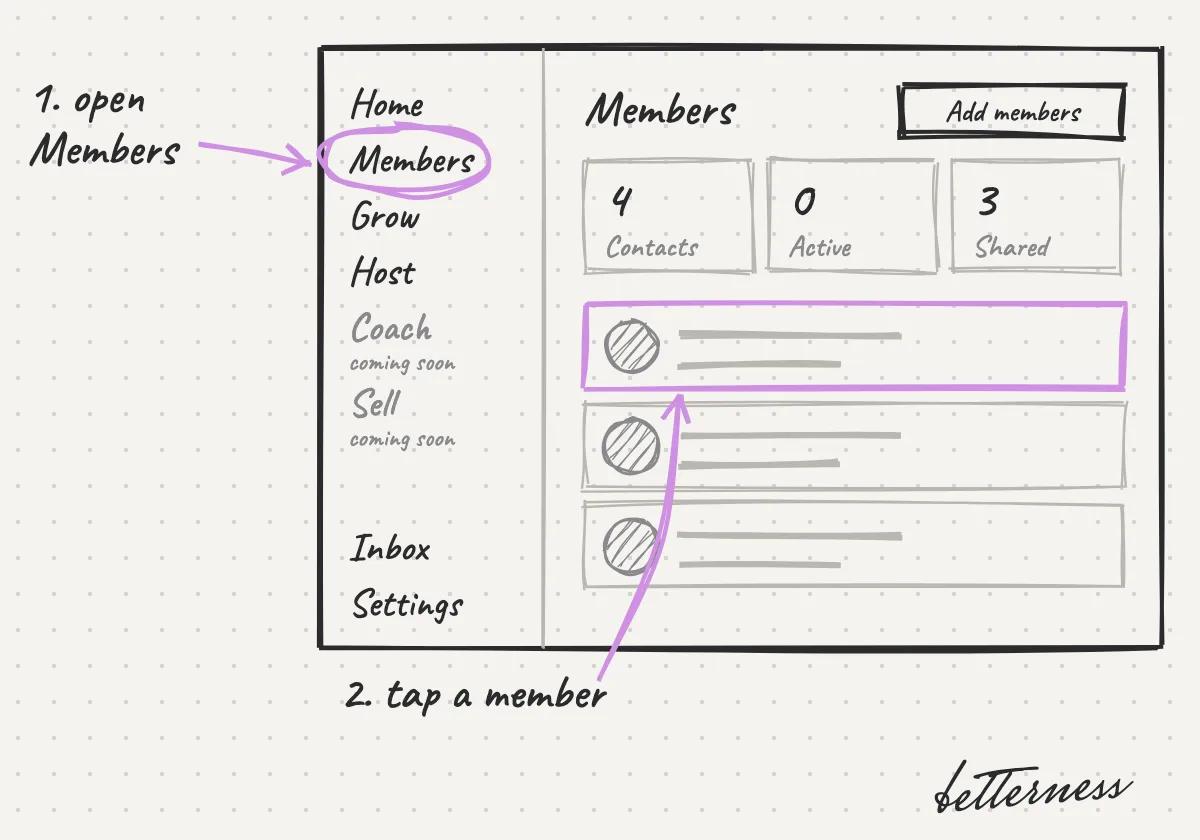
- 1Open Members and tap a member.
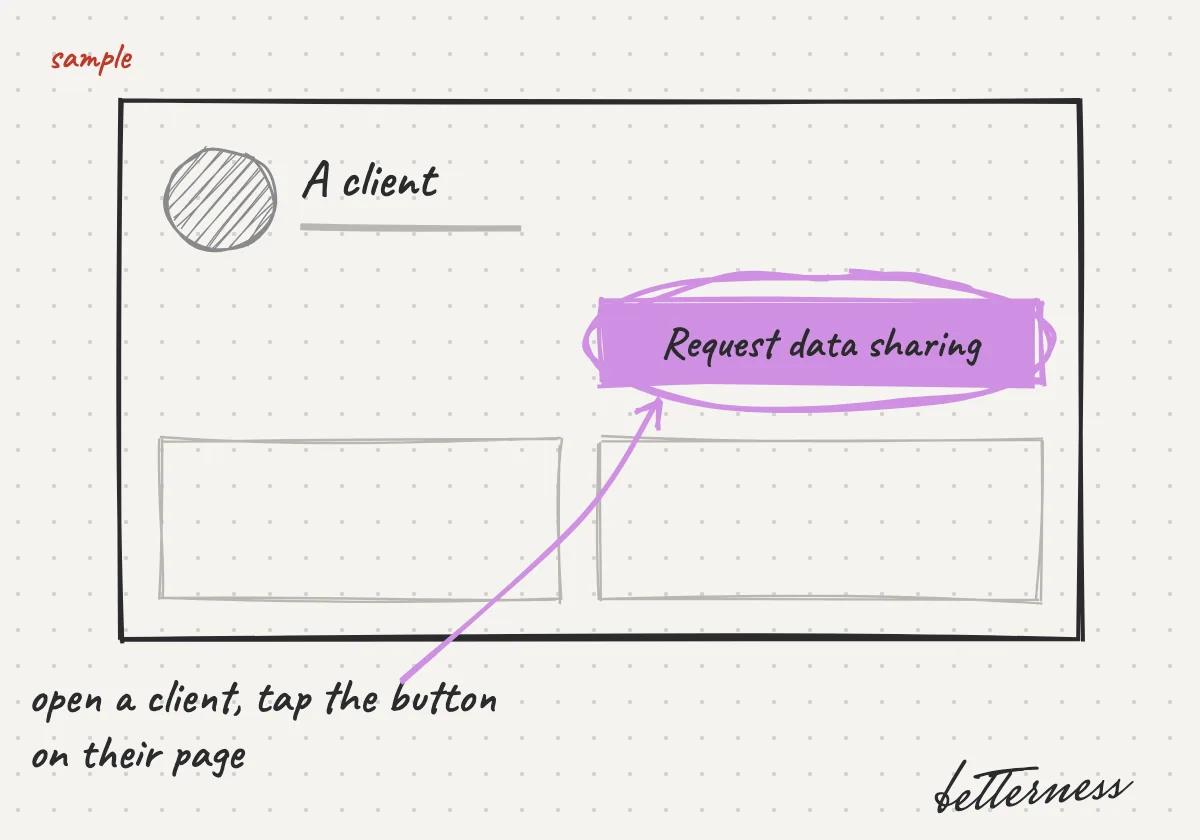
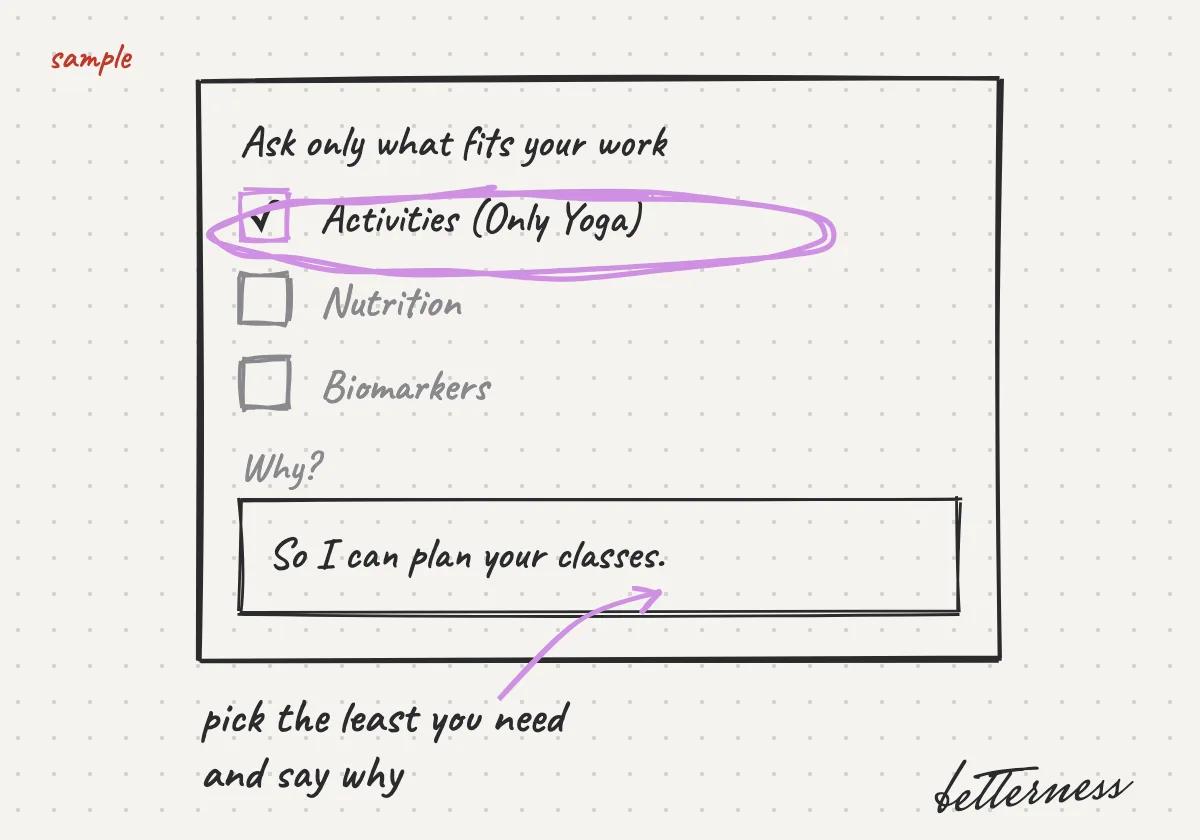
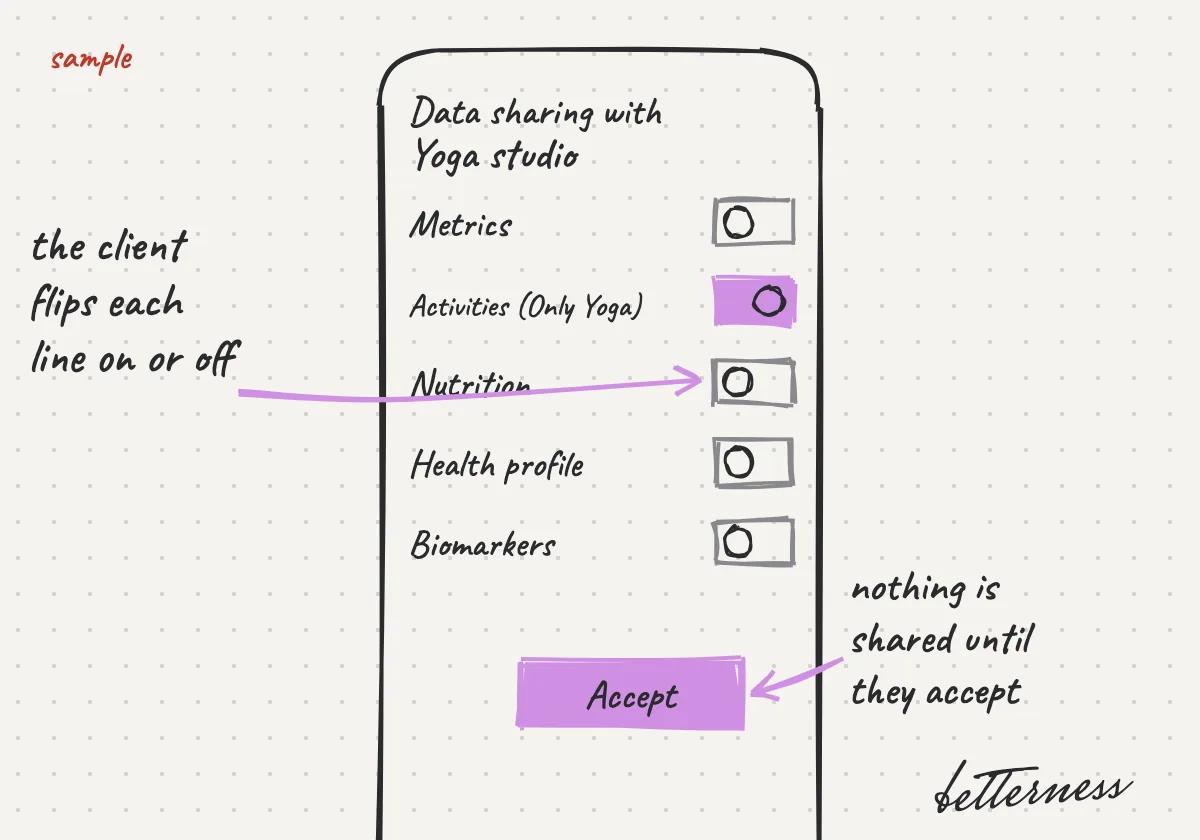
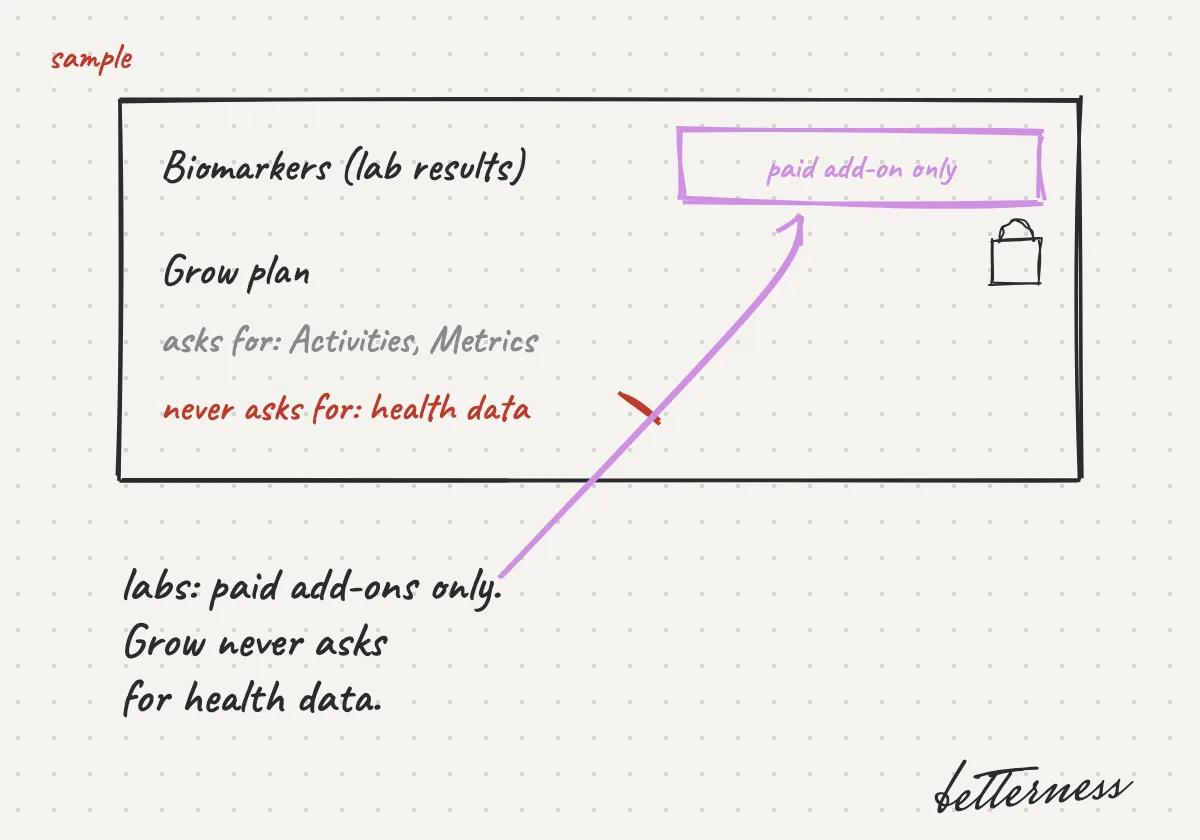
- 2Their file opens: Profile, Plan, Bookings, Purchases, Health and Activity. Health shows only what they chose to share.
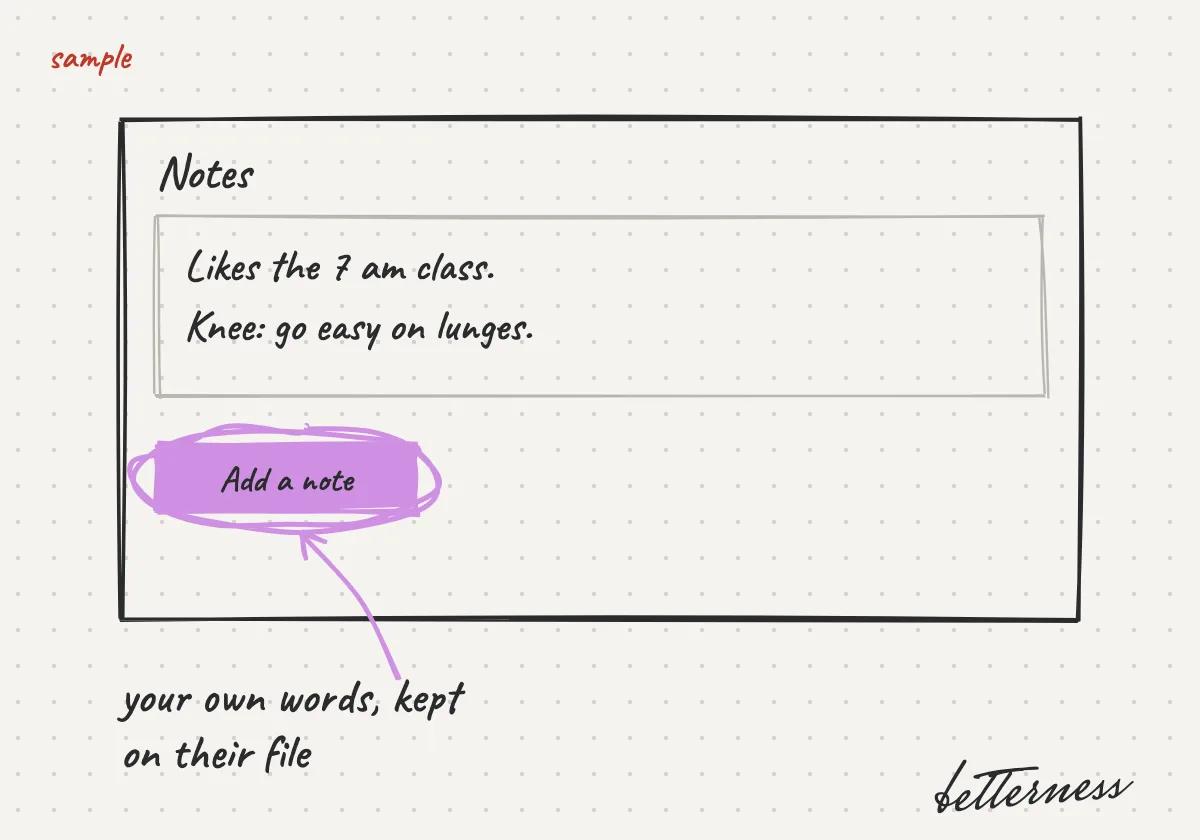
- 3Tap Add a note to keep your own notes on their file.
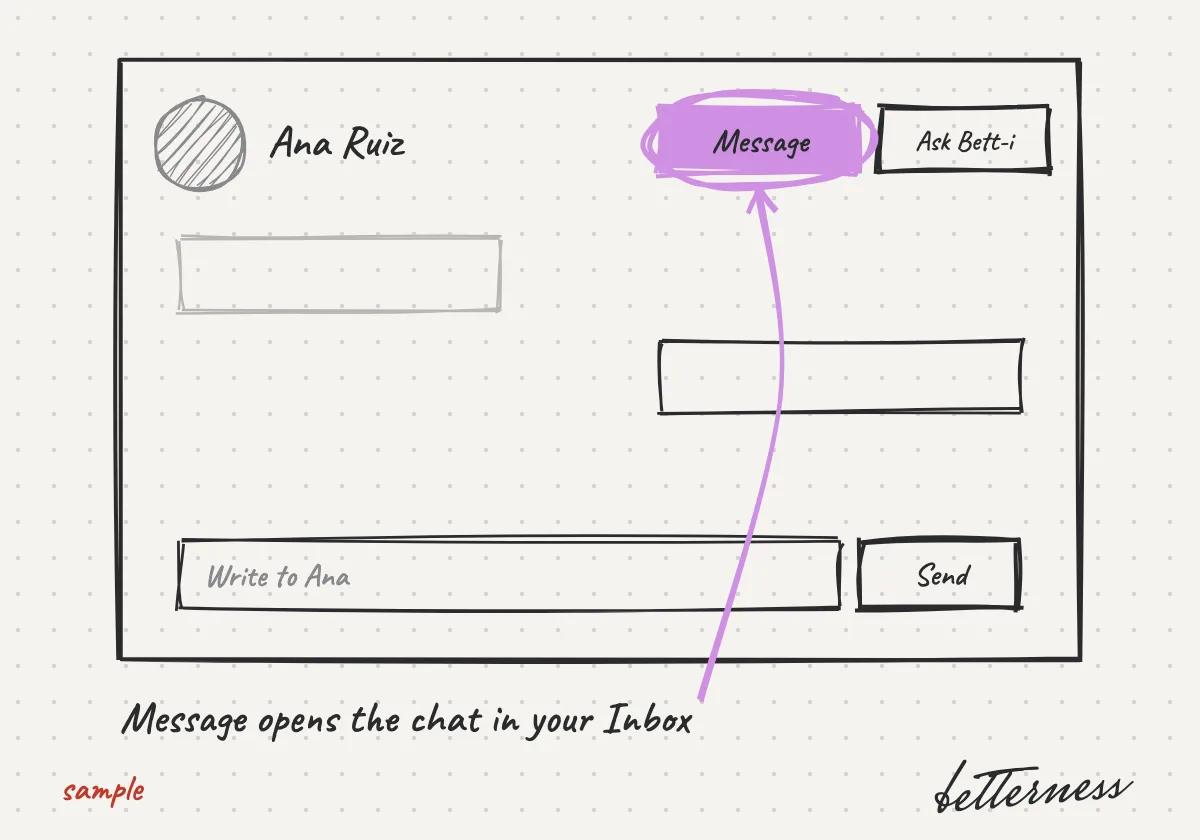
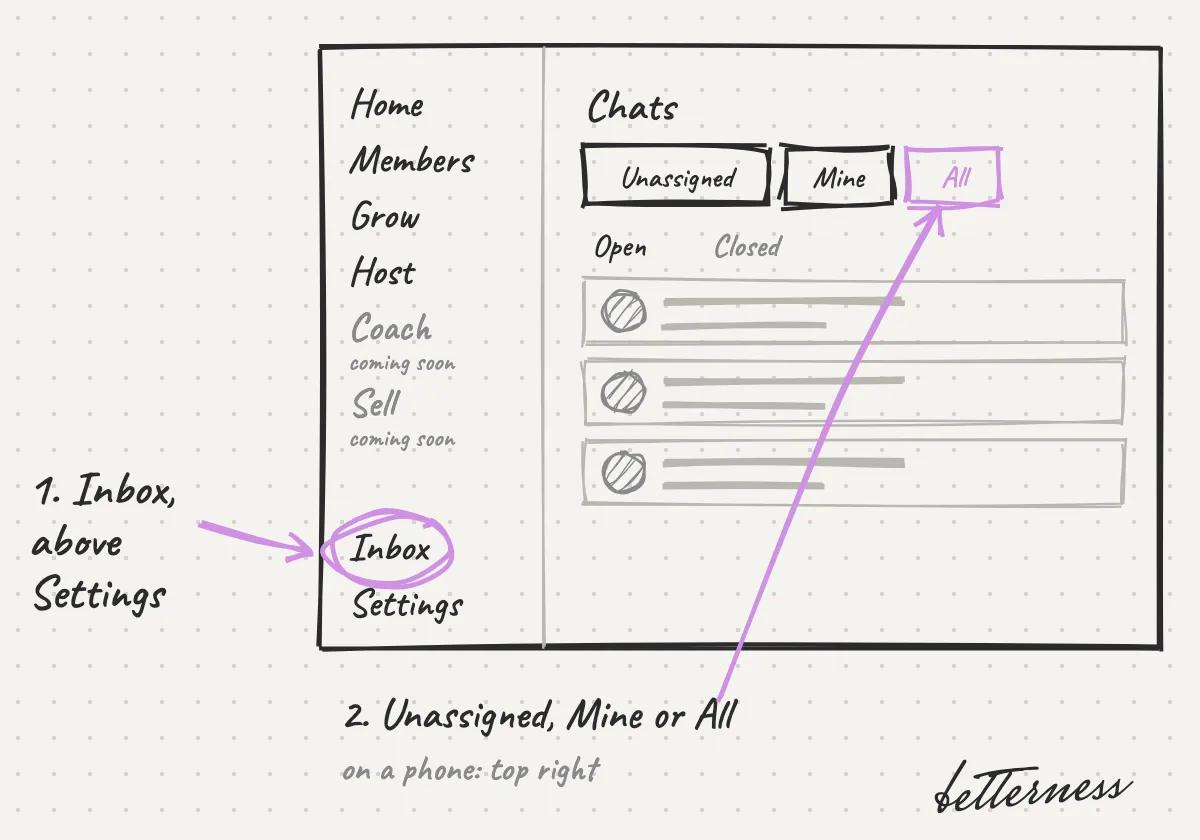
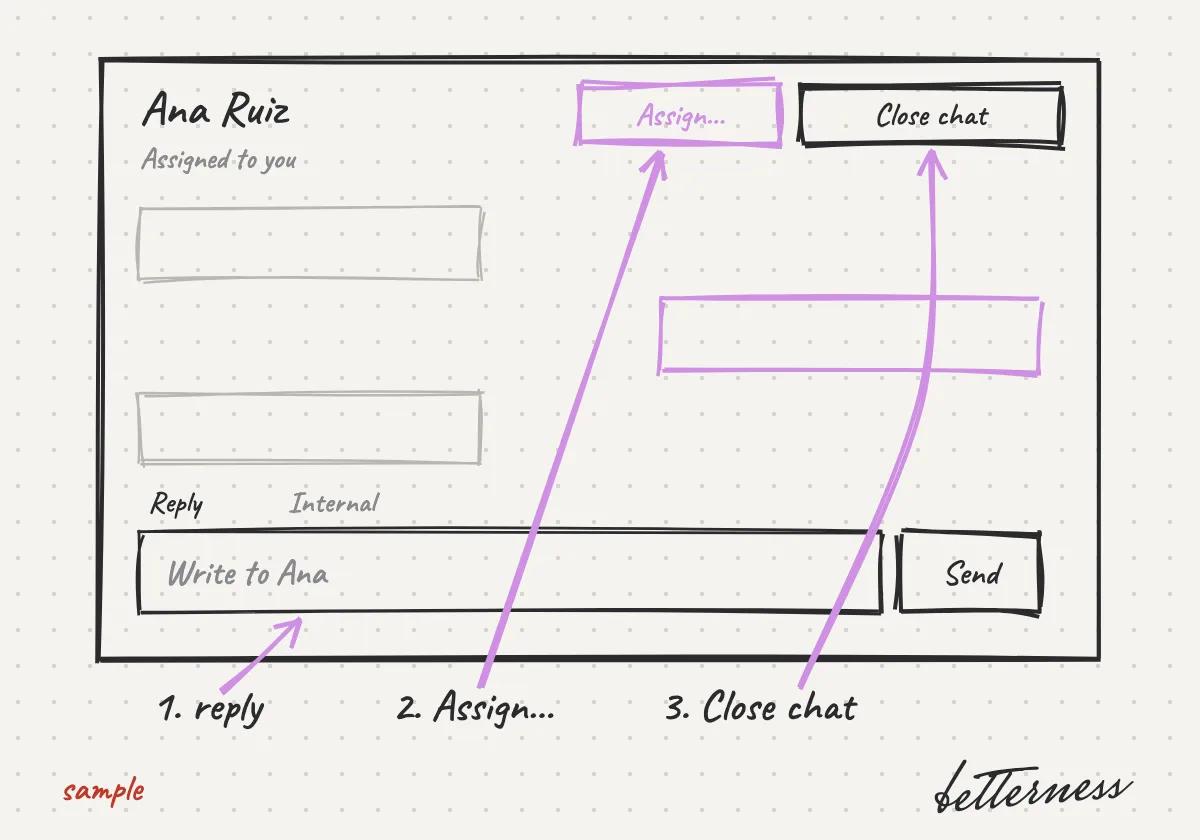
- 4Tap Message on their file. The chat opens in your Inbox.